
AI buying copilot · Free to start
Price up any project
and find every item for less.
Add everything you're buying. Treck compares prices across every supplier, ranks your options, and gives you a costed decision — so you stop overpaying.
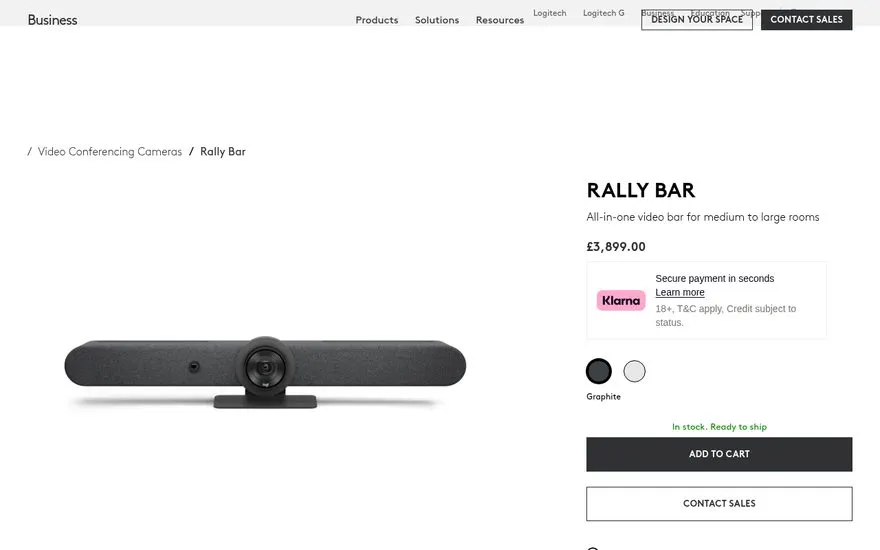
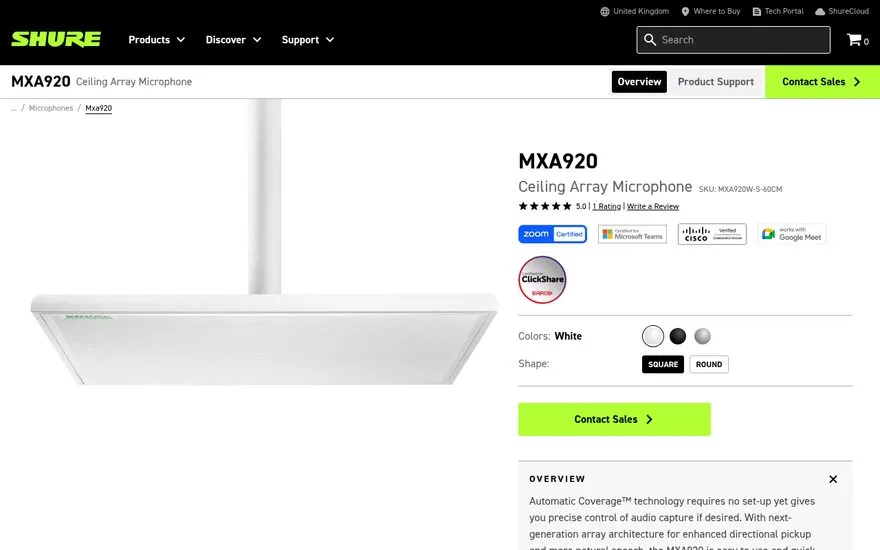
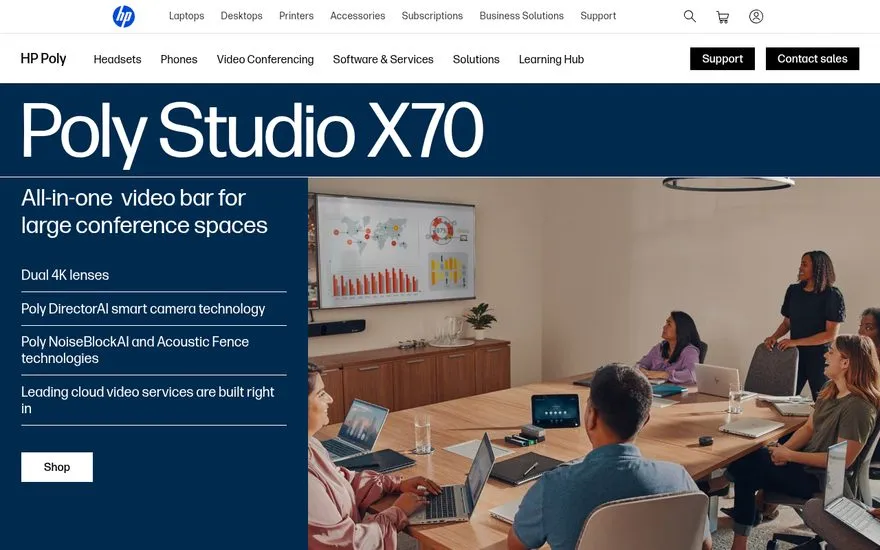
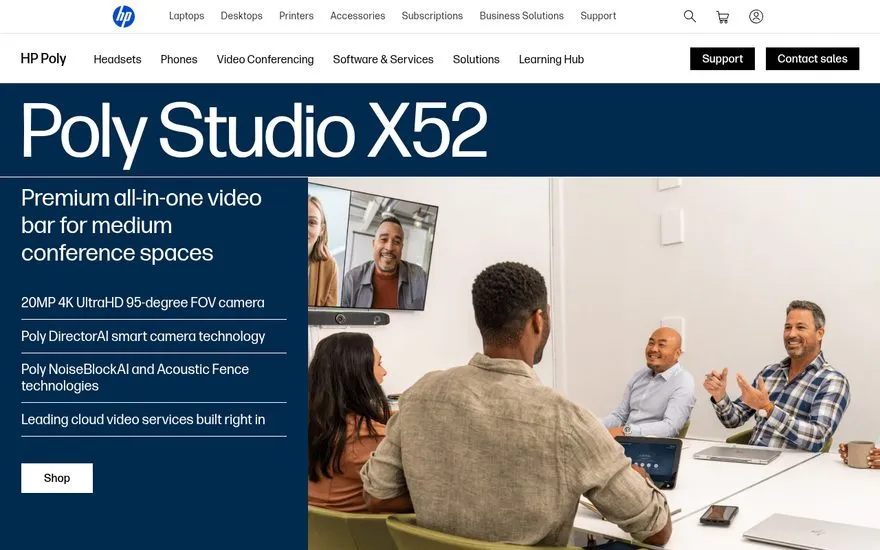
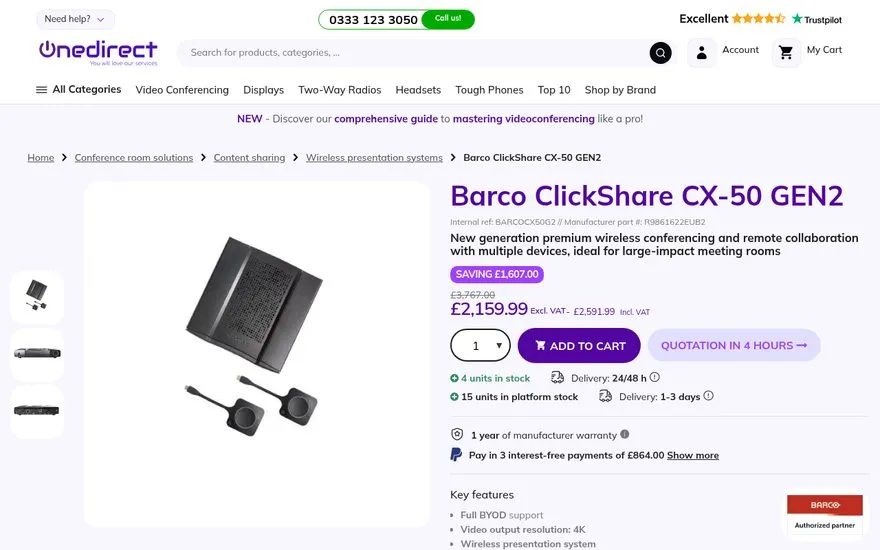
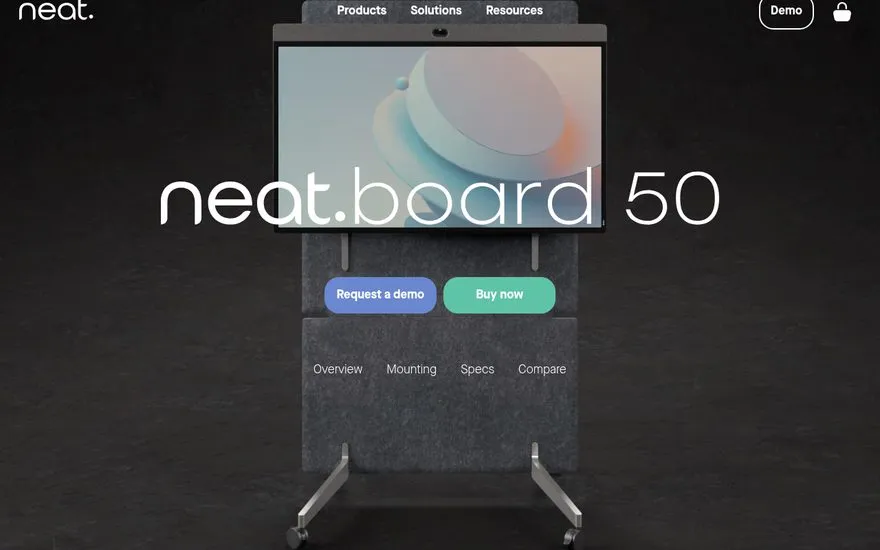
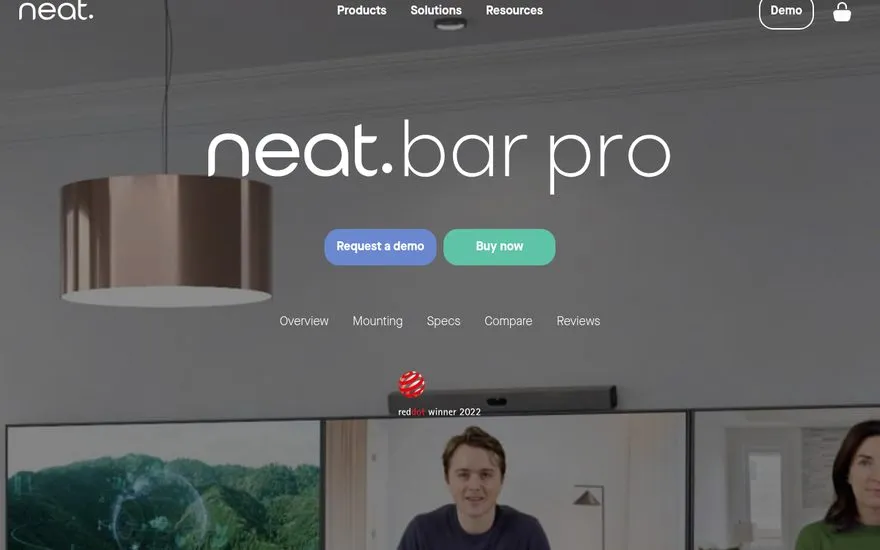
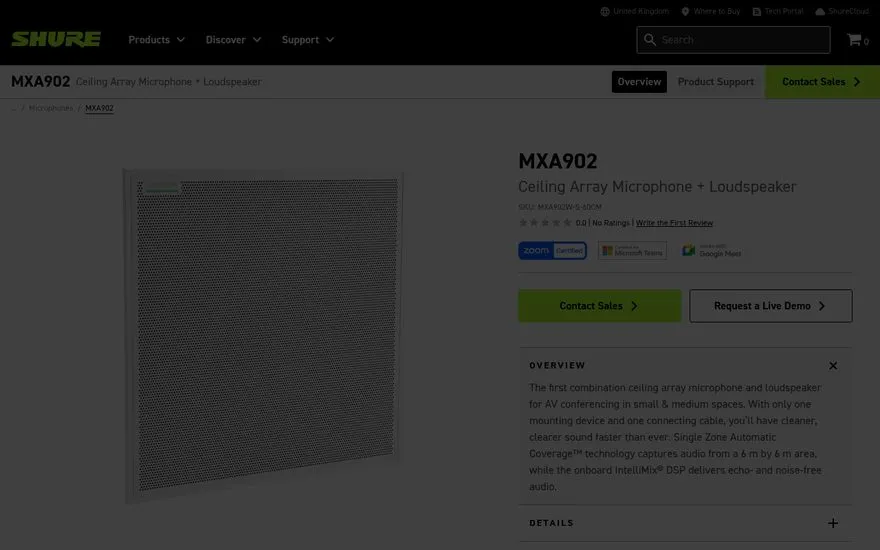
01
Pricing a project means 40 tabs and a guess
Dozens of tabs, prices copied into a spreadsheet, and no real idea whether you found the best price — or whether the sheet is even up to date by the time you decide.
Treck gives you one place to add what you're buying, price it across suppliers, and reach a decision you can stand behind.
02
Add anything you're buying
Clip products, prices, specs and supplier pages from any site into a project — straight from the Chrome sidebar, without leaving the page.
03
Compare prices across suppliers
This is the part AI chat only half-does. Add a product and Treck finds the same or an equivalent item cheaper across your suppliers and the web — validated from real pages, ranked cheapest-first. No invented sellers, no stale prices.
About price comparison04
Decide with a ranked matrix
A comparison should end in a decision. Score your options on what matters — price, specs, reviews, lead time — and Treck ranks them into a recommendation you can defend.
05
One project per thing you're buying
Group everything for a job into one shared project — options, prices, notes and tasks. Organise it however the work runs.
06
Price up anything — for business or home
Price up a project
Add everything a project needs, price each item across suppliers, and reach a costed, ranked decision.
Learn moreOffice & workspace fit-out
Price up desks, chairs, AV and boardroom kit across suppliers, and decide what to buy.
Learn moreSupplier sourcing & pricing
Capture supplier pages, prices and lead times, and compare them to find the best source.
Learn moreCompare products & decide
Compare products across suppliers on price, specs and reviews — and reach a ranked decision.
Learn moreFurnish your first home
Add everything your new home needs, room by room, and find each item for less.
Learn morePlan & price a wedding
Group every wedding cost by category, compare quotes and suppliers, and track the budget.
Learn more07
Why not just ask ChatGPT or use a spreadsheet?
AI chat describes products and can invent a price. A spreadsheet goes stale the moment you paste. Treck does the buying job properly.
Prices you can trust
Every price is fetched and validated from a real page — no hallucinated sellers or stale numbers.
Across your suppliers
Includes the trade and B2B sources consumer comparison sites never index.
A decision, not an answer
Options ranked by weighted criteria into a recommendation you can defend.
It keeps watching
Price-drop alerts so you buy at the right moment, not just when you looked.
Closes the loop
Request quotes from suppliers and collect replies against the decision.
Built for projects
Group, total and decide a whole project — not just one product at a time.
08
You control what Treck saves
Treck only captures what you choose to add — nothing is saved automatically, and quotes are only sent when you confirm.
Only save what you choose
Treck never captures pages automatically. Every item is an explicit action from you.
Data ownership
Your projects belong to you. Export or delete your data at any time.
No surprise emails
RFQs to suppliers are only ever sent after you review and confirm them.
Secure sharing
Project and clip links can be workspace-only, public, expiring or revoked at any time.
09
Start free, upgrade when ready
No credit card required.
- Chrome extension
- Add products to projects
- Manual price comparison
- Shareable projects
- Project tasks
- Everything in Free, plus:
- Automatic cross-supplier price comparison
- Price-drop alerts
- Decision matrix
- RFQ supplier outreach
- Sheets & CSV export
10
Questions, answered
What does Treck actually do?
Treck is a Chrome extension and workspace for pricing up a project. Add everything you're buying and Treck compares prices across your suppliers, ranks your options in a decision matrix, and helps you request quotes — so you stop overpaying.
How does cross-supplier price comparison work?
Add a product and Treck searches your suppliers and the wider web for the same or an equivalent item, validates each price from a real page, and ranks them cheapest-first with working links — no invented sellers or stale numbers.
Does it work for home projects too?
Yes. Businesses use Treck for office fit-outs, sourcing and bids; households use it for first homes and weddings — anywhere you're pricing up a lot of purchases at once.
Is Treck free?
The Chrome extension is free to start. Pro adds automatic cross-supplier price comparison, price-drop alerts, the decision matrix, RFQ outreach and Sheets export.
Where do the prices come from?
From your own suppliers and the wider web, fetched and validated from real pages. You can prioritise your trusted supplier list, including trade and B2B sources consumer comparison sites miss.
Price up your next project with Treck.
Free to start. Works on any store or supplier site.