
Act
Shareable Pages
Publish a shareable, costed comparison page.
Treck can transform any project of clips into a live, published web page powered by AI. Collect your research as usual, then hit Generate Page and choose your format — Treck does the rest.
The AI reads every clip in your project and writes structured, web-ready content automatically. YouTube videos from your clips are embedded directly. Product images and screenshots appear in a gallery. Comparison tables render cleanly.
Real example
See exactly what Generate Page produces
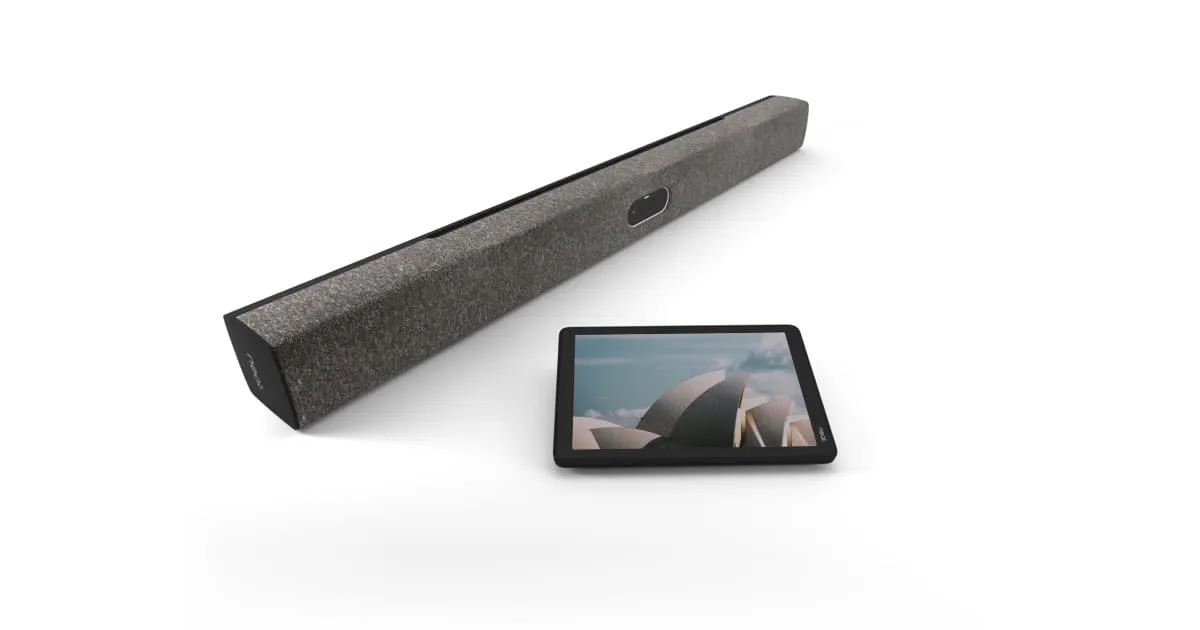
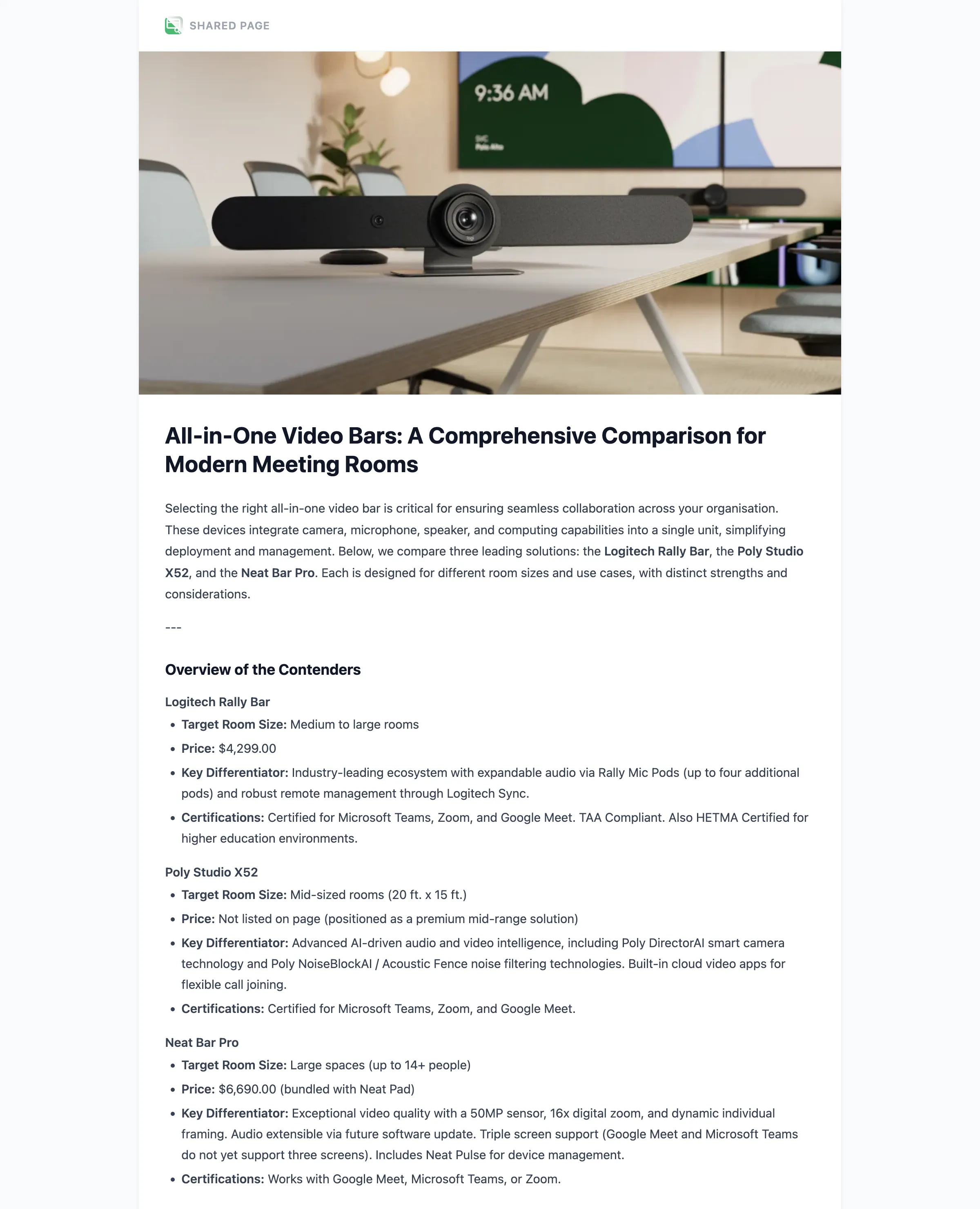
This is a real, unedited page generated from a Treck project comparing all-in-one video bars. One tap on Generate Page wrote the introduction, built the full specification table, weighed up the pros and cons, and laid out the image and video gallery.
all-in-one video bar
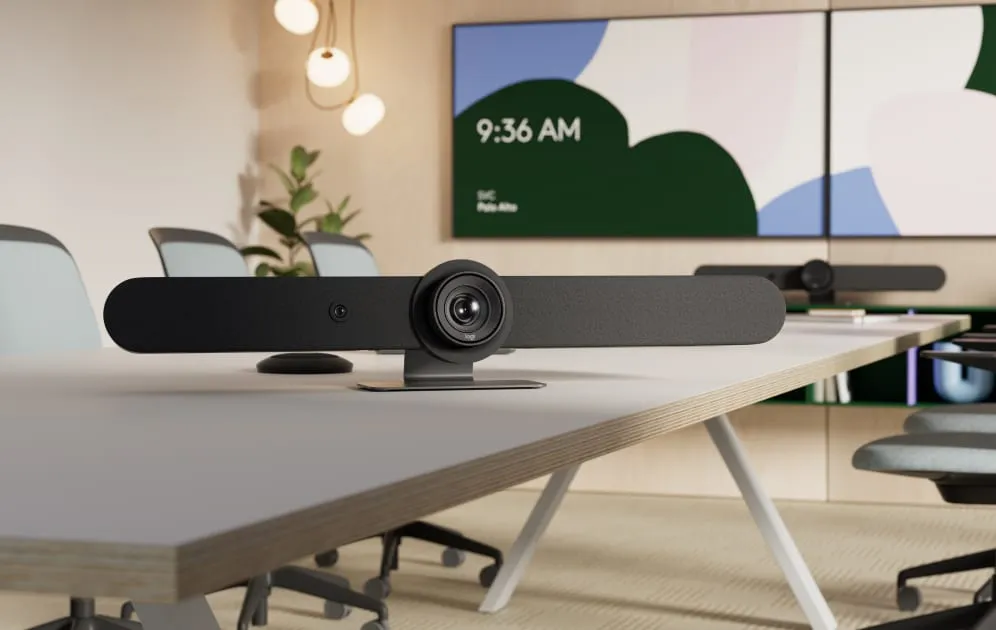
Rally Bar is the premier video bar for medium to large meeting rooms. Discover remarkably simple, all-in-one video conferencing with brilliant optics & audio.

The Poly Studio X52 all-in-one video bar is perfect for mid-sized meeting spaces. Bring meeting equality to attendees both in and out of the room with innovative audio and video experiences.
Opens in a new tab · no login needed
What it does
Four page formats
Comparison, Product Showcase, Summary or Custom — choose the format that fits your audience and Treck structures the content accordingly.
AI-generated content
The AI reads every clip in the project and writes structured, web-ready copy. No manual formatting required.
Rich media embedding
YouTube videos are embedded directly. Product images and screenshots are laid out in a gallery. Comparison tables render cleanly.
Shareable URL, no login
Every page gets its own URL. Recipients can view without a Treck account. Optional visitor comments.
Multiple pages per project
Generate different page formats from the same project — a comparison for one audience, a summary for another.
Revoke instantly
Turn off any shared page at any time. The URL stops working immediately.
Before & after
| Without Treck | With Treck |
|---|---|
| Manually copying clips into a document and formatting everything by hand | One click generates a structured, formatted web page from your project |
| Sending a wall of links and screenshots with no structure | A clean URL with a comparison table, gallery and key takeaways already written |
| Research findings stuck in Treck, invisible to stakeholders without an account | Anyone can view the page without logging in — clients, colleagues, decision-makers |
| One format for every audience, regardless of what they actually need | A comparison for the procurement team, a summary for the board — same project, different pages |
Every generated page gets its own shareable URL. Send it to a client, a colleague or anyone who needs to see your findings. No login required to view. Visitors can leave comments if you enable them.
Pages are fully editable before and after publishing. Generate as many as you need from the same project — a comparison for one audience, a summary for another. Revoke any page instantly when you are done. Generated pages also appear as clips in your project, so everything stays organised in one place.
Who uses this
- Sending a product comparison to a procurement team
- Sharing supplier research with a client before a decision
- Generating a summary report from a bid project
- Creating a product showcase from a project for a sales call
- Turning competitor research into a shareable briefing for the marketing team
Common questions
How does Generate Page work?
What page formats does Treck support?
Do people need a Treck account to view a generated page?
Can I edit a generated page after publishing?
Can I generate multiple pages from one project?
How do I stop sharing a page?
Last updated: 3 June 2026
Shareable Pages, free to use
Install Treck and start in under 30 seconds.